Service
AI business automation that moves work between your tools, so your team stops copying, pasting and chasing.
What you get
Most growing companies don't have a software problem. They have a gap problem. The CRM is fine, the accounting system is fine, the helpdesk is fine. The trouble is the work that lives between them: someone re-keys an order from a PDF into NetSuite, someone else exports a HubSpot list into Google Sheets every Monday, and a third person reads every inbound email to decide who should handle it.
That work is where AI business automation pays off. We build systems that watch for an event (a new email, a signed deal, a supplier file landing on an FTP server), pull out the data that matters, apply your rules and push the result into the right tool. Where the input is unstructured, such as a scanned invoice, a free-text customer request or a messy spreadsheet, we use language models like Claude or OpenAI's GPT models to read it. Where the logic is predictable, we use plain code, because it's cheaper, faster and easier to audit.
Every automation we ship has logging, retries and a clear path for a human to step in. You can see what ran, what failed and why. Nothing disappears silently.
The work usually falls into four areas:
We start small, with one process that costs you real hours each week, prove it works, and expand from there. Our delivery process explains how a typical engagement runs.
Each of these can be a project on its own, or one part of a larger system.
We turn multi-step business processes into automated workflows across your apps, with approvals in Slack or Teams, clear ownership and a log of every step.
ExploreWe automate lead capture, enrichment, routing, activity logging and pipeline hygiene in your CRM, so sales spends its time selling and managers can trust the numbers.
ExploreWe build pipelines that extract, validate and post data from PDFs, scans and email attachments into your ERP, accounting system or database, with human review for anything uncertain.
ExploreWe automate the data collection, cleanup, reconciliation and delivery behind your recurring reports and dashboards, plus the data feeds that keep your systems in sync.
ExploreThe problem
Every SaaS tool you buy solves its own job well. Your helpdesk handles tickets, your CRM tracks deals, your accounting system books invoices. None of them were built to handle the hand-off to the next tool, so that hand-off falls to people.
It starts small. One person spends twenty minutes a day copying web form leads into Pipedrive. A month later, sales also wants those leads enriched with company size, and someone adds a step. Then finance wants a weekly export of closed deals in a specific format for Xero. Each request is reasonable on its own. Together they add up to a part-time job that nobody was hired to do.
The cost isn't only the hours. Manual hand-offs introduce typos, delays and gaps. A purchase order sits in an inbox over a long weekend. A customer address gets mistyped. A report goes out with last week's numbers because the export was run before the data was updated. These errors are hard to spot because there's no log of what happened, only the result.
Native integrations help, but they rarely match how your business actually works. The built-in HubSpot to QuickBooks sync doesn't know that your wholesale customers need a different tax treatment, or that orders over a certain value need a manager's sign-off first. That custom logic is exactly what ends up in someone's head and someone's spreadsheet.
Automation fixes this by turning those unwritten rules into a process that runs the same way every time, records what it did and asks for help when something looks wrong.
Scope
Read incoming emails, contact forms and shared inboxes, classify the request, extract the key details and route it to the right person or system.
Pull line items, totals, dates and reference numbers out of invoices, purchase orders, delivery notes and contracts, then post them to your ERP or accounting tool.
Create and enrich contacts, assign owners by territory or deal size, log activity automatically and flag deals that have gone quiet.
Keep orders, stock levels and prices aligned between Shopify, WooCommerce, your warehouse system and supplier feeds without manual imports.
Send purchase requests, discounts, refunds or new supplier records to the right approver in Slack or Teams, then continue the process once they reply.
Pull data from several systems on a schedule, reconcile it, and deliver a finished report or dashboard instead of a pile of CSV exports.
Examples
Before: a distributor gets around 60 PO emails a day as PDFs, and two people key them into NetSuite by hand. After: each PDF is read by a model, matched to the customer and SKUs, and created as a draft sales order. Staff review only the orders the system flags as uncertain.
Before: website enquiries land in a shared inbox and get picked up whenever someone has a spare minute. After: each enquiry is classified by service and budget, enriched with company data, created in HubSpot with an owner assigned, and posted to the right Slack channel within a minute.
Before: an accounts team matches supplier invoices against POs and goods-received notes in spreadsheets. After: invoices are extracted and matched automatically in Xero, and only mismatched quantities or prices go to a person, with the discrepancy highlighted.
Before: an ops lead spends Monday morning exporting from Shopify, Google Analytics and the warehouse system into one spreadsheet. After: the report builds itself overnight in Google Sheets or Looker Studio, with a short written summary of what changed posted to Slack.
Before: every Gorgias ticket is read and tagged manually before anyone works on it. After: tickets are tagged by topic and urgency, order details are attached from Shopify, and simple 'where is my order' questions get a drafted reply for an agent to approve.
Before: a merchant downloads supplier spreadsheets every few days and uploads them to Shopify. After: supplier files are fetched on a schedule, mapped and validated, and stock and prices update automatically, with changes outside a safe range held for review.
Prioritising
You probably have a list of ten things you'd like automated. We rarely start with the biggest one. We start with the one that gives you a working result quickly and teaches us the most about your systems.
A first automation typically takes 2 to 4 weeks from kickoff to production. We run it alongside the manual process for a short period, compare the results, and switch over once the numbers agree. Only then do we move to the next item on the list.
This approach keeps budgets predictable and gives your team time to trust the system. It also means that by the second or third project, the shared pieces (authentication, logging, the review queue) already exist, so each new workflow is cheaper to build. You can read more about how we scope and run projects on our process page.
Approach
There's no single right tool. We pick based on what the workflow needs and who will maintain it after we hand it over.
Make, n8n and Zapier are good for workflows with a handful of steps, standard connectors and moderate volume. Your team can read and adjust them without a developer. We use them often, and we build them properly: named steps, error routes and shared credentials, not a tangle of one-off zaps. n8n is a strong choice when you want to self-host for data control or cost reasons.
We move to custom code (usually Node.js or Python, with Postgres for state) when the logic gets complicated, when volume makes per-task pricing expensive, when you need proper testing and version control, or when a connector simply doesn't exist. Many projects are a mix: a no-code layer for the simple routing, with a small custom service handling the hard part. For larger builds, our API integration work covers the plumbing in more depth.
Language models are excellent at reading unstructured input: an email written in a hurry, a scanned invoice in an unfamiliar layout, a customer note that mentions three different problems. They're good at classifying, summarising and drafting.
They're the wrong tool for anything that should be exact and repeatable. Calculating tax, applying a price list, checking whether an order total matches its line items, deciding who gets a lead based on territory: all of that belongs in plain rules. Rules are free to run, never vary and are easy to audit.
So our usual pattern is simple. AI turns messy input into structured data. Rules validate that data and decide what happens next. People handle the exceptions. Model calls also cost money on every run, so we keep them to the steps that actually need them and track the spend.
Reliability
Each run records its input, the decisions it made and the result. When someone asks why an order was created a certain way, you can look it up instead of guessing.
APIs time out and rate-limit. Failed steps retry with backoff, and we design writes so a retry never creates a duplicate invoice or contact.
Low-confidence AI results, unusual values and high-value actions go to a review queue in Slack, Teams or a simple web page. Reviewers approve, edit or reject in one click.
We alert on failures, but also on silence. If a workflow that normally runs 200 times a day suddenly runs zero times, someone hears about it.
A focused first workflow usually takes 2 to 4 weeks from kickoff to production, including a period of running alongside your manual process. Larger projects with several connected systems take longer, and we break them into stages so you see working results early.
Usually not. The point is to connect the tools you already use, such as HubSpot, Xero, Shopify or Google Sheets. If a tool has no API and no reliable export, we'll tell you early and discuss the options.
We design for that. AI outputs are validated against rules, and anything below a confidence threshold or outside expected ranges goes to a person for review. Errors are logged so we can improve prompts and rules over time.
Only the parts a model needs to see, and only through business API tiers that don't train on your data by default. If you have stricter requirements, we can redact fields before sending, use region-specific hosting, or keep certain steps entirely in rules-based code.
Running costs are usually platform fees (Make, n8n or Zapier, or a small server) plus model usage. We estimate both during scoping based on your volumes, and we keep model calls to the steps that genuinely need them.
Yes, that's a design goal. No-code workflows are documented so an ops person can adjust them, and custom code comes with a runbook and a repository you own. We also offer ongoing support if you'd rather not maintain it yourselves.
Rare tasks, processes that change every month, and decisions that depend heavily on relationships or context nobody has written down. We'd rather tell you a process isn't worth automating than build something that needs constant fixing.
Tell us about the task that eats the most hours each week. We'll map it, tell you honestly whether it's a good fit for automation, and outline what a first build would look like.
We pick tools for your situation, not ours. These are the ones we reach for most on this kind of work.
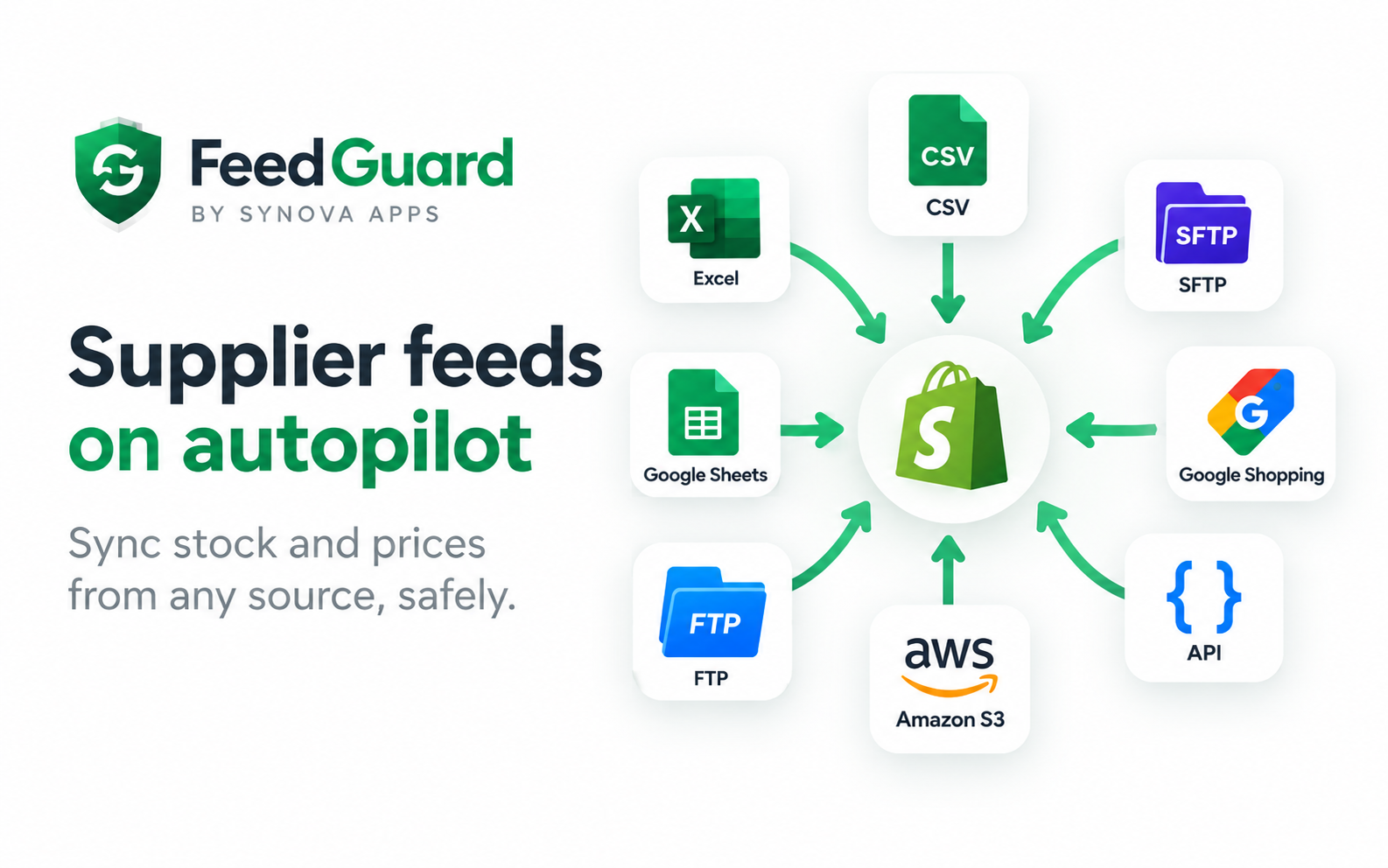
We don't just build for clients. These are our own products, used by real stores. See all products.
A step-by-step method for estimating the ROI of an automation project before you build it and measuring it honestly afterward, with a clearly hypothetical worked example.
How AI document processing turns invoice and purchase order PDFs into validated, structured data in your ERP or accounting system, and the checks that keep it accurate.
A practical scoring framework for choosing your first automation projects, so you start with work that pays back quickly instead of the process that is simply the loudest.
Tell us how it works today. We'll tell you honestly what's worth automating, what it would take, and what it would cost.