AI Business Automation
Reporting automation that pulls numbers from all your systems and delivers finished reports, not CSV exports.
What you get
In many companies, someone's Monday morning looks the same every week: export from Shopify, export from the CRM, export from the accounting system, paste into a master spreadsheet, fix the columns that changed, check the formulas, and send the result to the leadership team. By the time the report goes out it's already a little stale, and if that person is off sick, it doesn't go out at all.
Reporting automation replaces that routine. We connect directly to your data sources, load the data into one place (often a Postgres or BigQuery database, sometimes just a well-structured Google Sheet), clean and reconcile it, and deliver the report on a schedule. Dashboards in Looker Studio, Power BI or Metabase stay current without anyone touching them.
We also automate the data feeds that keep systems aligned: supplier stock files into your store, price lists into your ERP, order data out to a 3PL. If you sell on Shopify and your problem is supplier feeds specifically, our own app FeedGuard may cover it without a custom build.
Where it helps, a model adds a short written summary of what changed and why it might matter. The numbers always come from queries, never from the model. This sits within our wider AI business automation service.
The problem
Recurring reports tend to grow in the same way. Someone builds a spreadsheet to answer a question once. It's useful, so it becomes weekly. More tabs are added, more sources are pasted in, and the formulas get more fragile. Eventually it's a critical business document that only one person understands.
The deeper problem is trust. When sales says revenue was one figure and finance says another, it's usually because they pulled from different systems at different times with different definitions. Meetings get spent arguing about the numbers instead of acting on them.
What we build
Scheduled pulls from Shopify, WooCommerce, HubSpot, Salesforce, Xero, QuickBooks, NetSuite, Google Analytics, ad platforms and your own databases.
Data lands in one store with agreed definitions for revenue, margin, active customer and the other metrics people argue about.
Automatic comparisons between systems, such as orders in the store versus invoices in accounting, with alerts when they drift apart.
Live dashboards for daily use, plus PDF, email or Slack reports that arrive at the same time every week without anyone running them.
Recurring imports and exports, like supplier stock files, price lists or 3PL order files, mapped, validated and delivered on schedule.
Examples
Sales, margin, returns, ad spend and stock cover are combined from Shopify, the ad platforms and the warehouse system into one report that arrives in Slack every Monday at 8am, with a short summary of the biggest changes.
Orders from the storefront are matched against payouts from Stripe and invoices in Xero. Missing or mismatched records are listed for the finance team, rather than discovered during the close.
A manufacturer pulls machine output and scrap counts from a shop-floor database and order data from the ERP into a live Metabase dashboard for the plant manager.
Suppliers send monthly price files in different formats. Each file is mapped, checked for unusual jumps and loaded into the ERP, with a summary of every price change sent to purchasing.
How we build it
We start by listing the reports you already have and asking who reads each one and what decisions it drives. Some turn out to be unused and can simply stop. The rest get a clear definition for every metric, agreed with the people who own the numbers.
Not every business needs a data warehouse. For modest volumes, a structured Google Sheet fed by n8n can be enough. As sources and history grow, we move to Postgres or BigQuery, use tools like Airbyte or small Python jobs to load data, and point Looker Studio, Power BI or Metabase at the result. We'll recommend the simplest setup that will still hold up in a year.
A model is useful for writing a plain-language summary of what moved this week, or for mapping messy column names in supplier files. It should never calculate the numbers themselves. All figures come from tested queries, and any written summary is generated from those figures.
When the data feeding a report starts as PDFs or emails, we pair this with AI document processing. Our process page explains how projects are scoped and delivered.
Not necessarily. Smaller setups often work well with a structured Google Sheet or a single Postgres database. We recommend a warehouse like BigQuery only when the volume or number of sources justifies it.
Mostly Looker Studio, Power BI and Metabase, and we can feed Tableau or a tool you already pay for. If you have nothing yet, we'll suggest the one that fits your team and budget.
It can write a useful summary of changes and point out unusual movements, but it doesn't replace someone who understands the business. We keep all calculations in tested queries so the numbers are always reproducible.
We use scheduled exports, SFTP drops or email attachments where we have to, and add checks so a missing or malformed file is caught immediately rather than quietly skipped.
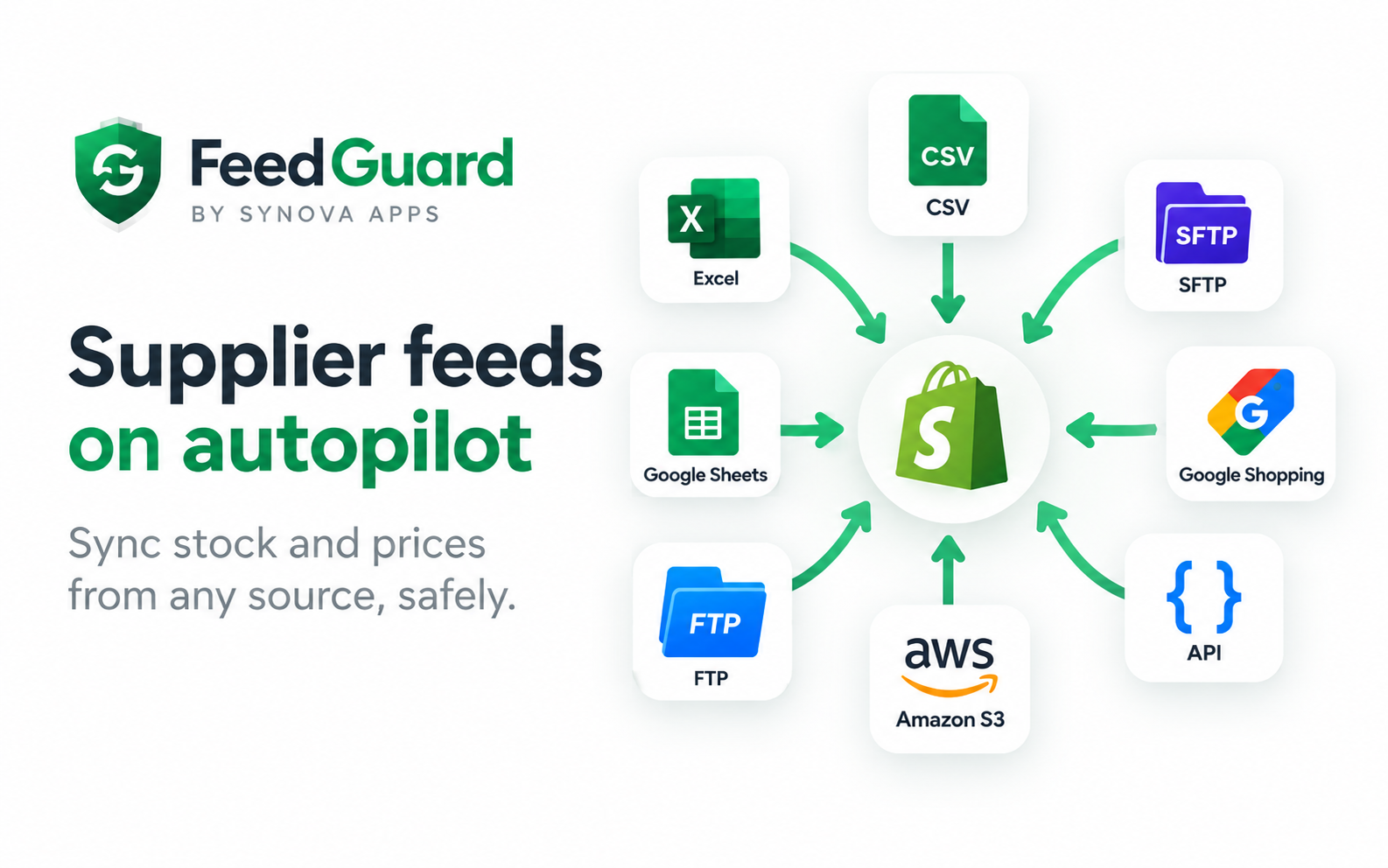
FeedGuard is our own Shopify app for syncing supplier stock and prices from CSV, FTP or Google Sheets feeds. If that's your need, it's usually quicker and cheaper than a custom build. For other systems or more complex logic, we build a custom pipeline.
Send us a list of the reports your team produces by hand and the systems behind them. We'll suggest which to automate first and the simplest setup that will do the job.
We pick tools for your situation, not ours. These are the ones we reach for most on this kind of work.
How we built a deterministic, explainable rules engine that scores Shopify return and refund requests, shows the reasons behind every score, and never declines a customer automatically.
Read the storyHow we designed a rep portal, territory rules and an append-only commission ledger on top of Shopify's native B2B, built so the numbers stay correct after refunds and edits.
Read the storyWe don't just build for clients. These are our own products, used by real stores. See all products.
A step-by-step method for estimating the ROI of an automation project before you build it and measuring it honestly afterward, with a clearly hypothetical worked example.
How AI document processing turns invoice and purchase order PDFs into validated, structured data in your ERP or accounting system, and the checks that keep it accurate.
A practical scoring framework for choosing your first automation projects, so you start with work that pays back quickly instead of the process that is simply the loudest.
Tell us how it works today. We'll tell you honestly what's worth automating, what it would take, and what it would cost.